
Halifax County Court Dockets
A docket is a chronological record of a case's court activity. It may show when a case was filed, when a hearing was set, what type of hearing is scheduled, whether a motion was filed, whether an order was entered, and whether the case has reached disposition. For Halifax County court dockets, the online route is the North Carolina eCourts Portal, with Search Hearings for calendars and Smart Search for case-level docket information.
Halifax County belongs to North Carolina's statewide General Court of Justice. Superior Court handles felony criminal matters, civil cases over $25,000, higher trial matters, and certain appeals or contested estate issues. District Court handles misdemeanors, infractions, traffic, family, juvenile, small claims, evictions, and magistrate-related work. That split affects docket reading because a traffic infraction calendar, a misdemeanor setting, and a Superior Court felony session do not represent the same kind of case file.
Search Halifax County Court Dates
The main hearing-calendar tool is Portal Search Hearings. It is separate from Smart Search. Search Hearings is the better starting point when the user needs a court date, hearing type, courtroom, judicial officer, party setting, or attorney-linked calendar result. Smart Search remains useful when the case number is known and the user wants to review the docket history inside a case record.
- Open the eCourts Portal and choose Search Hearings.
- Select Halifax County as the location to avoid statewide calendar matches.
- Choose the hearing type group, such as civil, criminal, family, probate, or mental health.
- Select the search type, such as case number, party name, attorney, judicial officer, or courtroom.
- Run the search and compare the result with the case number, party names, and hearing date.
- Call the Clerk of Superior Court if the online hearing entry conflicts with a notice or summons.
The Portal can require JavaScript, cookies, supported browsers, and recurring CAPTCHA completion. Those technical controls can affect quick docket checks on court mornings.
Halifax County Docket Search Fields
The Search Hearings tool uses several required dropdowns before a search can run. A broad search may return too many results, while a narrow search can miss a setting if the name or case number is entered differently from the court record. When a party search is used, the captured field notes show last and first name fields marked with asterisks.
| Field Label | Type | Required | Options / Format Notes |
|---|---|---|---|
| Select Location | Dropdown | Yes | Choose Halifax County for local court dockets. |
| Select Hearing Types | Dropdown | Yes | All Hearing Types, Civil, Criminal, Family, Probate, or Mental Health. |
| Select Search Types | Dropdown | Yes | Case number, party name, business name, attorney name, bar number, judicial officer, or courtroom. |
| Sounds Like | Toggle | No | Name-search aid when spelling may vary. |
| Last Name / First Name | Text | Yes for party search | Use the legal name tied to the case notice when available. |
| Judicial Officer | Dropdown | No | Statewide list; useful only when the judge is known. |
| Courtroom | Dropdown | No | Use only when a courtroom is known from a notice or prior setting. |
Sample Halifax County Docket Entry
The research file did not reproduce a live personal docket entry, so a docket inventory should be read as the field types a user can expect rather than a real person's record. A Halifax County docket entry is most useful when it is paired with the full case number and the court division. A hearing date alone may not show whether a case has been continued, resolved, dismissed, or moved to another session.
| Field | What It Shows |
|---|---|
| Case Number | The file identifier that ties the docket entry to the court case. |
| Hearing Date | The scheduled court date or calendar setting. |
| Hearing Type | The event category, such as criminal, civil, family, probate, or mental health. |
| Party Name | The person, business, or attorney tied to the calendar entry. |
| Judicial Officer | The judge or officer assigned to the hearing, when shown. |
| Courtroom | The listed courtroom or session location, when available. |
| Docket Event | A filing, order, hearing, continuance, judgment, or other case action. |
Halifax County Courts With Dockets
Halifax County court dockets come from state trial courts rather than city municipal courts. The county's official court structure includes Superior Court District 7A and District Court District 7. Magistrates are part of District Court and are relevant for small claims, summary ejectment, criminal process, and bond or release functions. Appeals from trial courts may move to the North Carolina Court of Appeals, while federal matters are handled outside the county court system.
- Superior Court dockets cover felony criminal cases, higher civil matters, and certain appeals or contested estate issues.
- District Court dockets cover misdemeanors, infractions, traffic, family, juvenile, small claims, and eviction matters.
- Magistrate-related dockets may involve small claims, summary ejectment, initial criminal process, and bond functions.
- Family Court contact in Halifax County is listed through the courthouse directory for family and juvenile coordination.
- Federal court dockets are searched through EDNC and PACER, not the North Carolina eCourts Portal.
The North Carolina Court of Appeals source is part of the manifest for Halifax County court dockets.
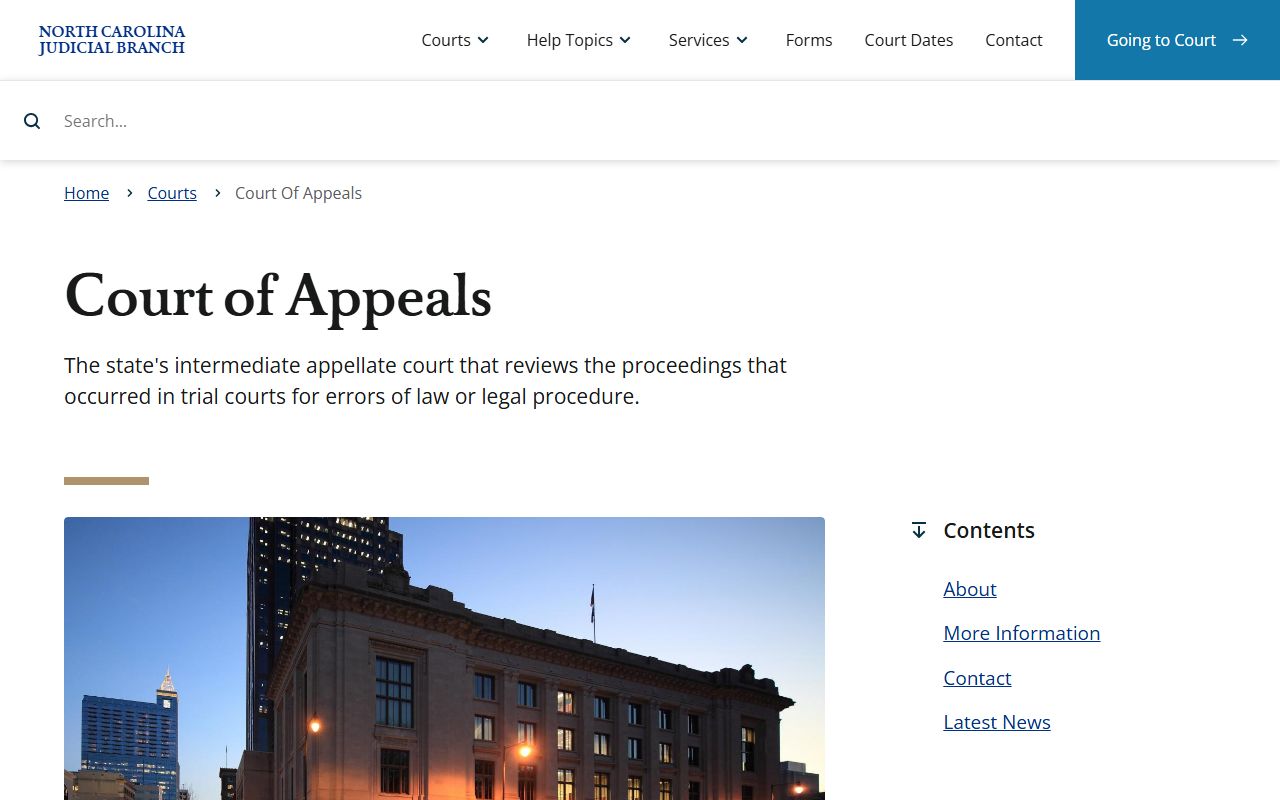
That appellate context helps explain why some docket activity after trial may leave Halifax County and move into statewide appellate review.
Halifax Dockets vs Case Records
A docket is a map of events. A case record is the file. The distinction matters when a user is checking a court date, trying to see whether a motion was filed, or deciding whether a certified copy is needed. Portal may show enough information to confirm a setting, but the Clerk of Superior Court remains the route for full paper files and official copies. For broader case-file access, the general Halifax County court records page explains Smart Search, public terminals, and clerk requests.
| Point | Docket | Full Case Record |
|---|---|---|
| Format | Chronological event list or hearing calendar | File with pleadings, motions, orders, judgments, and notices |
| Best Use | Track hearing dates and case movement | Review legal filings and obtain official copies |
| Access | Often visible through Portal hearing or case tools | May require clerk terminal, paper-file inspection, or copy fee |
| Limits | May not show every document or protected detail | May include restricted, redacted, sealed, or confidential material |
Federal Dockets for Halifax County Cases
Federal cases are separate from Halifax County court dockets. Halifax County is in the U.S. District Court for the Eastern District of North Carolina. Federal civil, criminal, prisoner, and constitutional cases are searched through EDNC systems and PACER, not Portal. Bankruptcy records are separate again through the U.S. Bankruptcy Court for the Eastern District of North Carolina.
The official PACER federal court record access page is assigned to this docket topic in the image manifest.
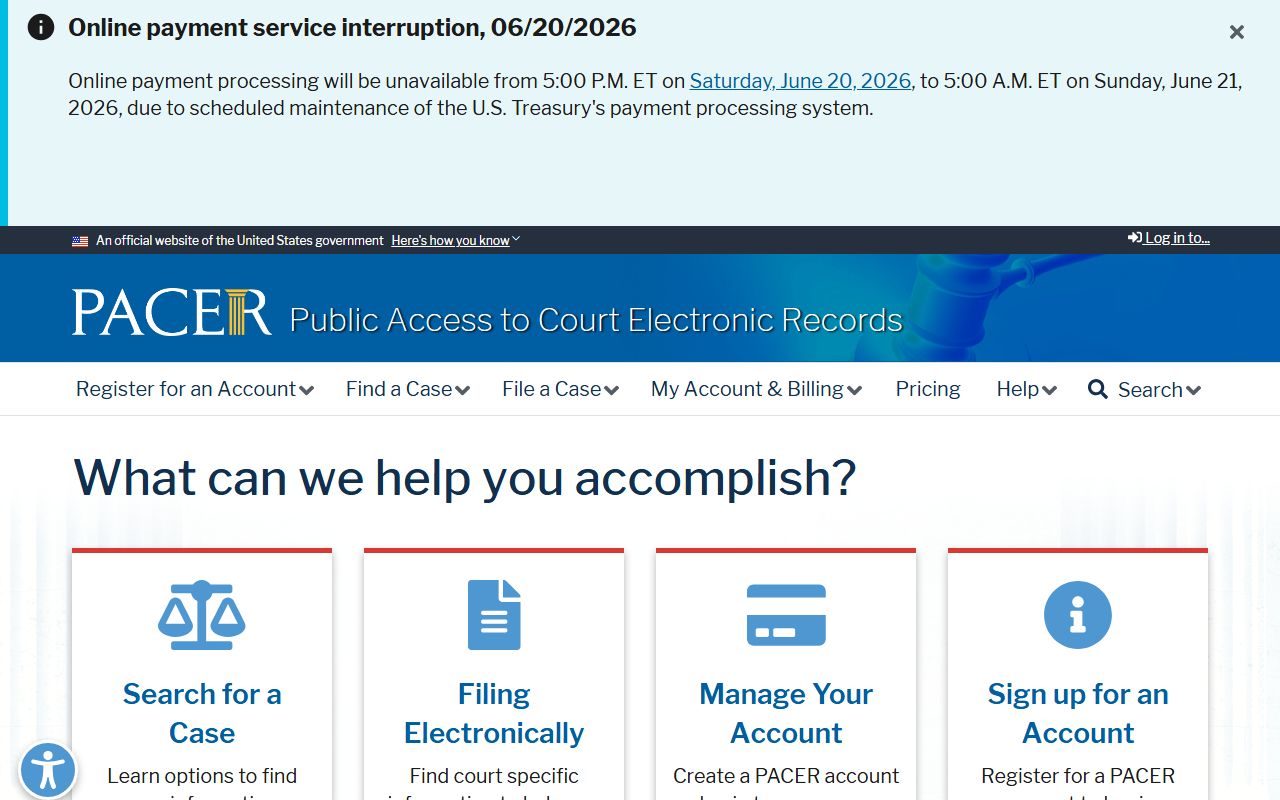
PACER is the federal access route when the case is not in North Carolina state court.
The EDNC CM/ECF system is another federal docket source.
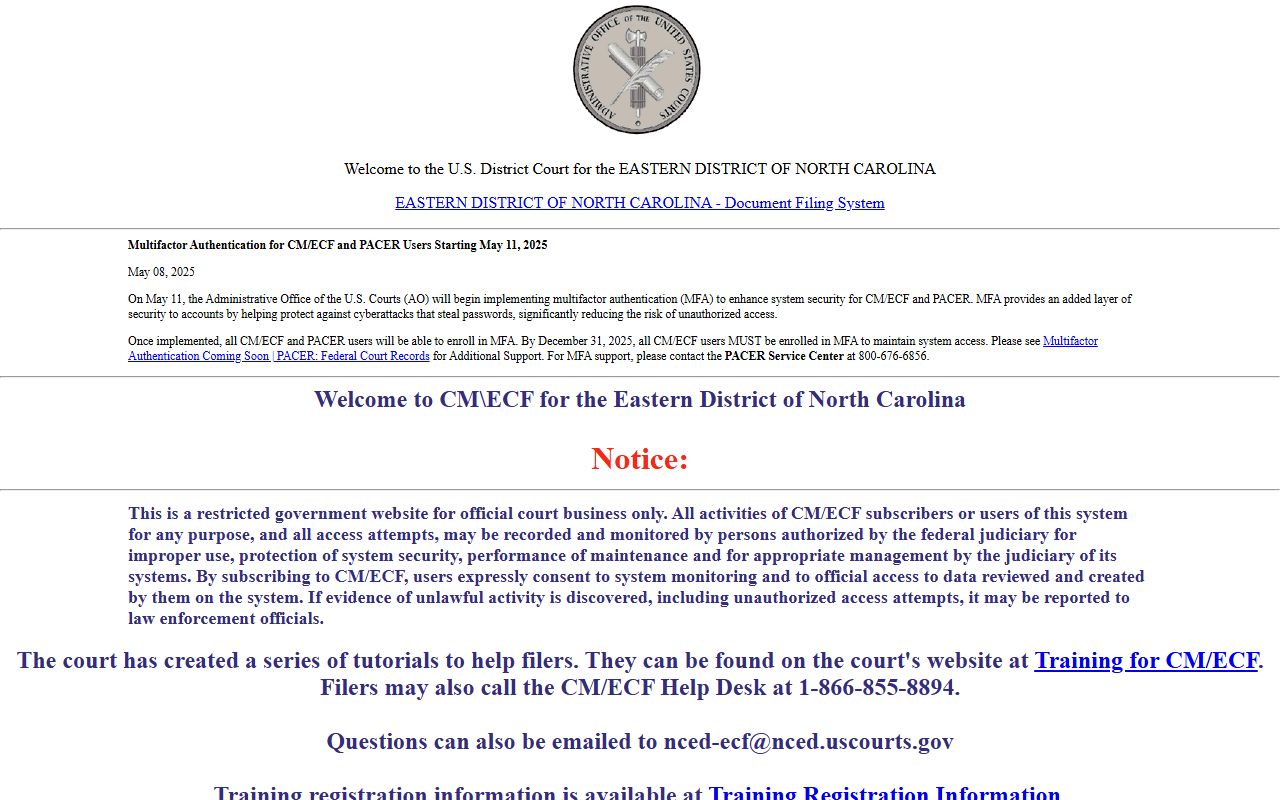
CM/ECF is used for federal filings, while public access normally routes through PACER accounts.
The Eastern District county list confirms Halifax County's federal district placement.
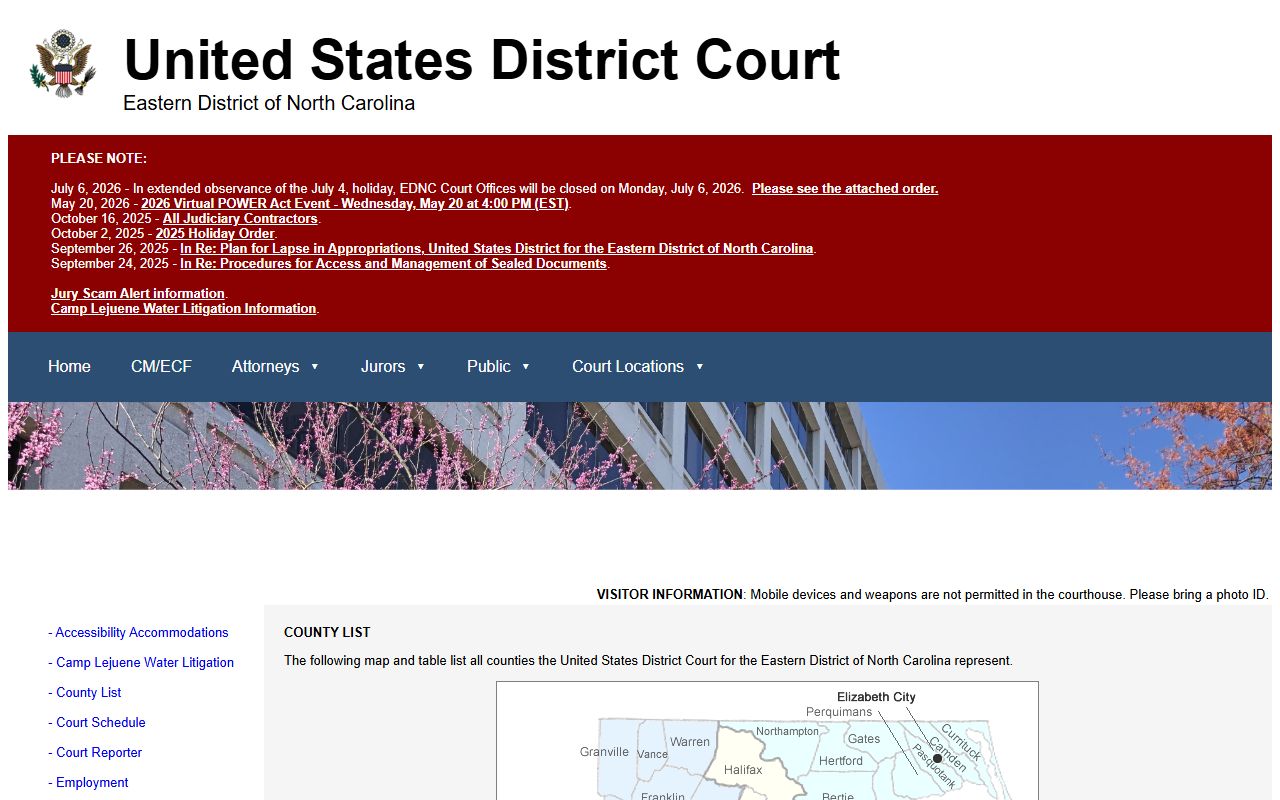
That placement is useful when a state docket search fails because the matter was filed in federal court.
Read Halifax County Docket Results
Read each docket entry with the court level in mind. A District Court traffic setting, a misdemeanor calendar, a family matter, and a Superior Court felony event may use similar date fields but point to different case paths. "Disposition" means an outcome. "Continuance" means a hearing was postponed. "Order" means a judge or clerk issued a directive. "Judgment" is a final or enforceable decision.
Custody notifications can matter after criminal docket activity, but they are not docket records. The North Carolina VINE custody and case notification source is useful because court dates, warrants, and custody status can intersect after an arrest or sentence.
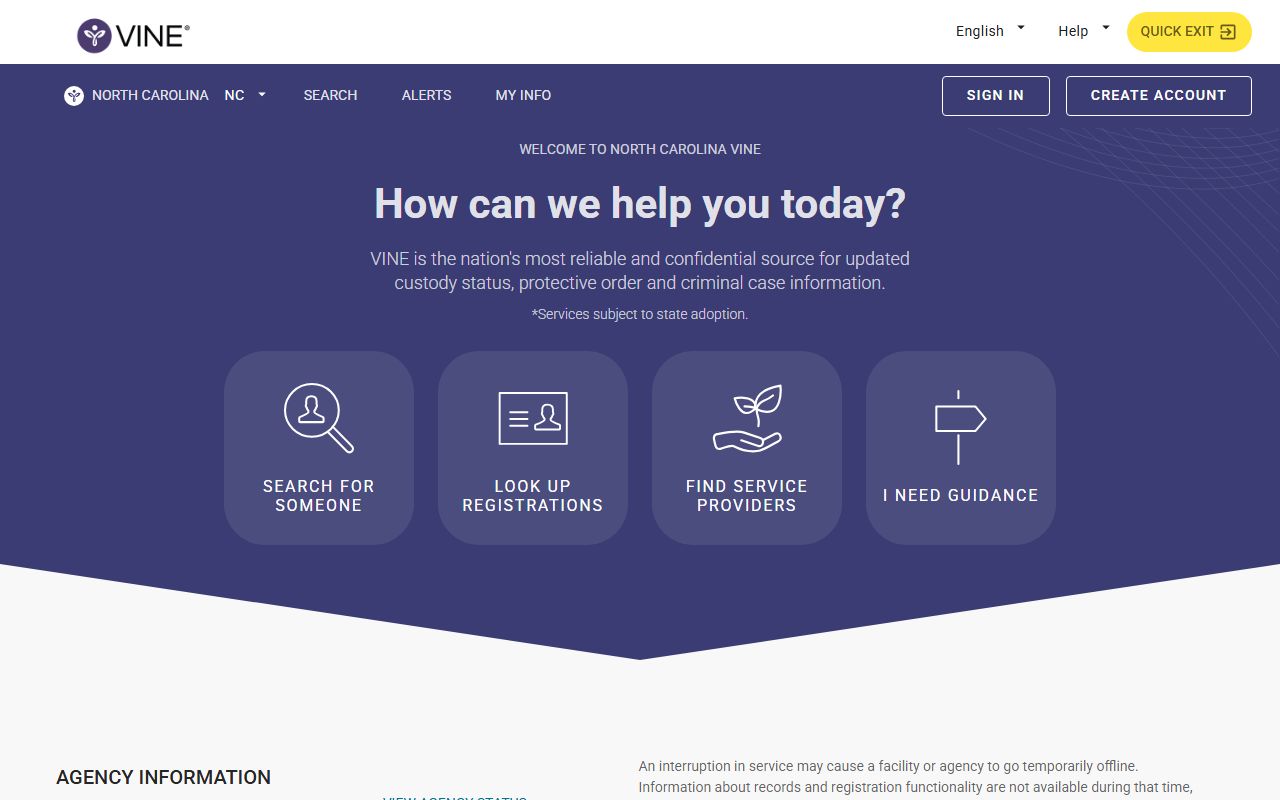
VINE can support notification needs, but official docket entries still come from court systems and the Clerk of Superior Court.
Note: Verify same-day court-date changes with the clerk if an online docket conflicts with a mailed notice.